Get in touch
Vermont time
Accessibility & ADA compliance
I build sites that work for everyone: screen readers, keyboard navigation, color contrast and everything in between.
What it looks like
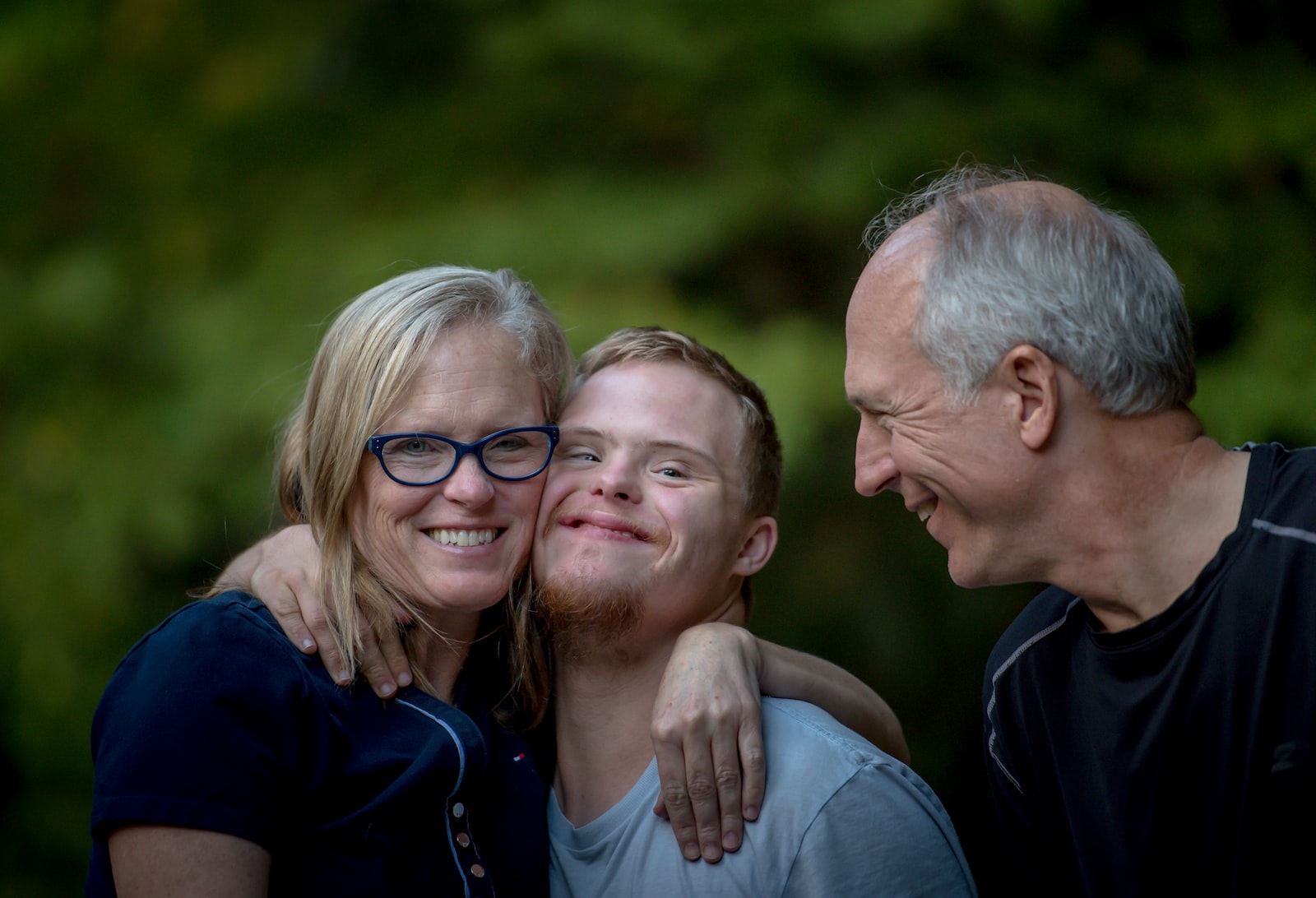
Text and controls that are legible for everyone, including people with low vision. I target WCAG AA everywhere, and AAA for body text where I can.
Forms that are simple and accurately labeled, so screen readers and other assistive tech can use them. Transcripts wherever there’s audio.
Pages that adapt to the device and to people’s settings: larger text, high-contrast and dark modes, and reduced motion.
Why it matters
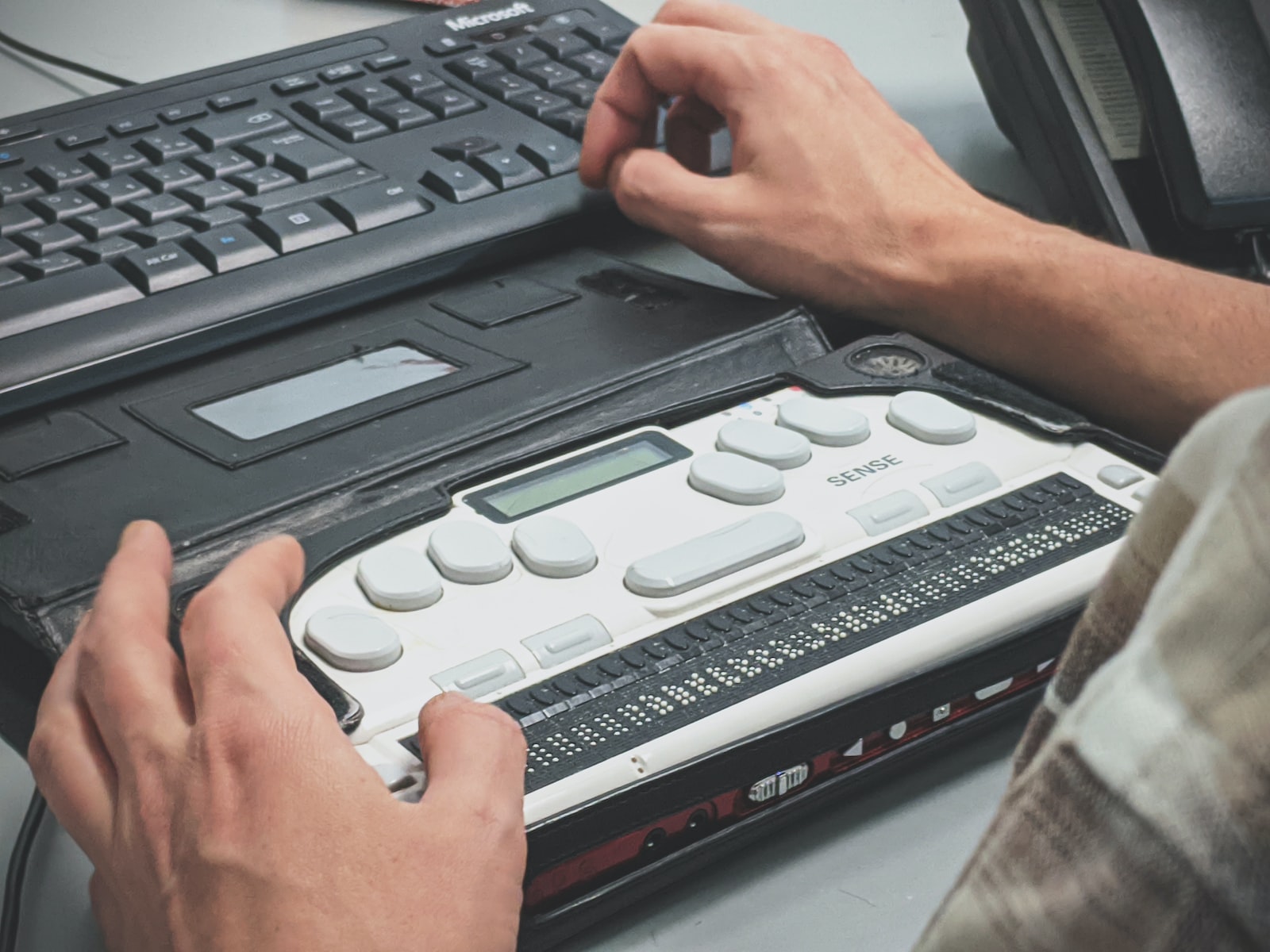
We’re all online now, from the youngest of us to the oldest. The web is how we bank, sign up, apply and get help, so everyone needs to be able to use it, not just some of us.
Just as a building should have a ramp, a website should work with a screen reader or a keyboard. And designing for accessibility from the start improves things for everyone:
The ADA
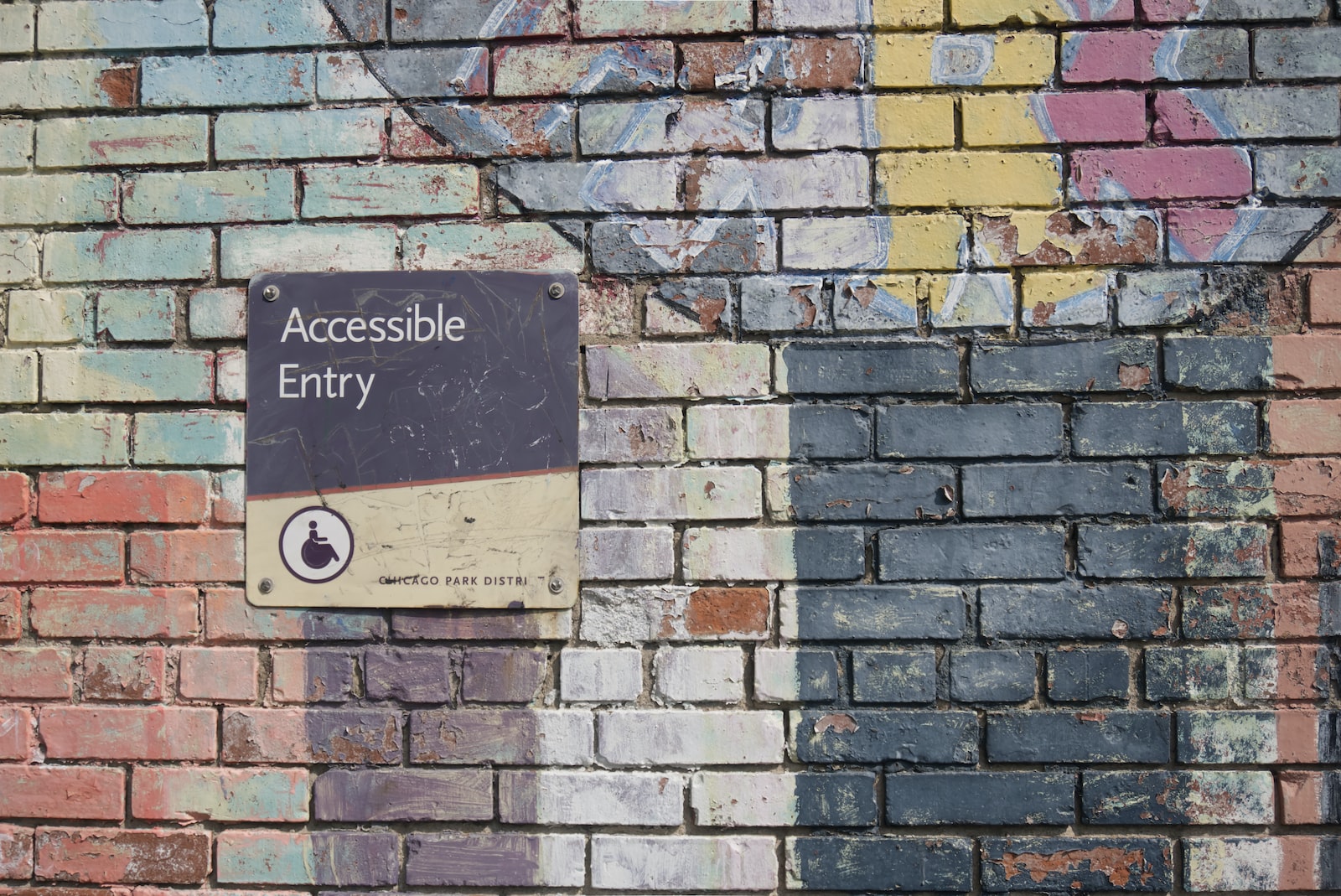
The Americans with Disabilities Act, signed in 1990 and broadened in 2008, prohibits discrimination on the basis of disability. U.S. courts have increasingly applied it to websites, and in 2022 the Department of Justice issued guidance confirming that the ADA covers web accessibility.
If your business or organization is open to the public, your website is expected to be accessible, whatever your size. In 2024 the Department of Justice went further for state and local governments, including public schools and colleges, setting WCAG 2.1 AA as the required standard.
Agencies carry risk too. If a client is sued over an inaccessible site, they’ll look to whoever built it.
My approach
Every site starts with accessible structure and design. WordPress takes accessibility seriously, and I build on that with WCAG-compliant development and testing throughout.
I test with up-to-date automated checkers, and use AI to speed up the slow parts: scanning templates and content for issues, drafting alt text and fixes. A person reviews every change.
For the most thorough review, I bring in specialists for a manual audit and then implement their findings. Automated tools catch the obvious issues; people catch the rest.

Start a project
Tell me about your site. I’ll tell you what an accessibility review would cover and what it would take to fix what it finds.